It always starts with one innocent download.
Maybe you wanted a better user interface. Maybe a visual overhaul. Perhaps a new NPC, a quality-of-life improvement, or a fresh map expansion. You tell yourself it’ll take five minutes.
Three hours later, your downloads folder is overflowing, your mod manager has hundreds of entries, and the clock quietly reads 3:07 AM.
Welcome to the 3 AM Modding Fever Dream—a familiar experience shared by players across games like Stardew Valley, Cyberpunk 2077, Baldur’s Gate 3, Fallout 4, Minecraft, and countless other moddable titles.
It’s funny, frustrating, and surprisingly common.
What Exactly Is a “3 AM Modding Fever Dream”?
The phrase doesn’t refer to a specific mod. Instead, it describes the all-too-relatable cycle where players spend more time perfecting their game than actually playing it.
A typical session looks like this:
- Install one mod.
- Notice another recommended download.
- Download a required framework.
- Add a texture pack.
- Upgrade lighting.
- Replace the UI.
- Add animations.
- Install a gameplay overhaul.
- Add compatibility patches.
- Restart the game.
- Repeat.
Hours disappear before you’ve even loaded your save.
Why Modding Feels So Addictive
There are several reasons modding is so compelling.
Endless Customization
Modern games often support thousands of community creations. Instead of accepting the default experience, players can build something uniquely their own.
One person wants a cozy farming simulator. Another wants a hardcore survival challenge. Someone else wants entirely new regions, quests, characters, and mechanics. The possibilities feel endless.
Instant Rewards
- Downloading a new mod gives immediate feedback.
- Your world suddenly looks sharper.
- Characters behave differently.
- Performance improves.
- New content appears.
That quick sense of improvement encourages players to keep going.
Community Recommendations
Platforms such as Nexus Mods, GitHub releases, Reddit discussions, Discord communities, and YouTube creators constantly introduce players to “must-have” mods.
A recommendation often leads to another recommendation. Then another. Before long, one download becomes fifty.
The Games That Create the Biggest Modding Rabbit Holes
Some games have especially active modding communities.
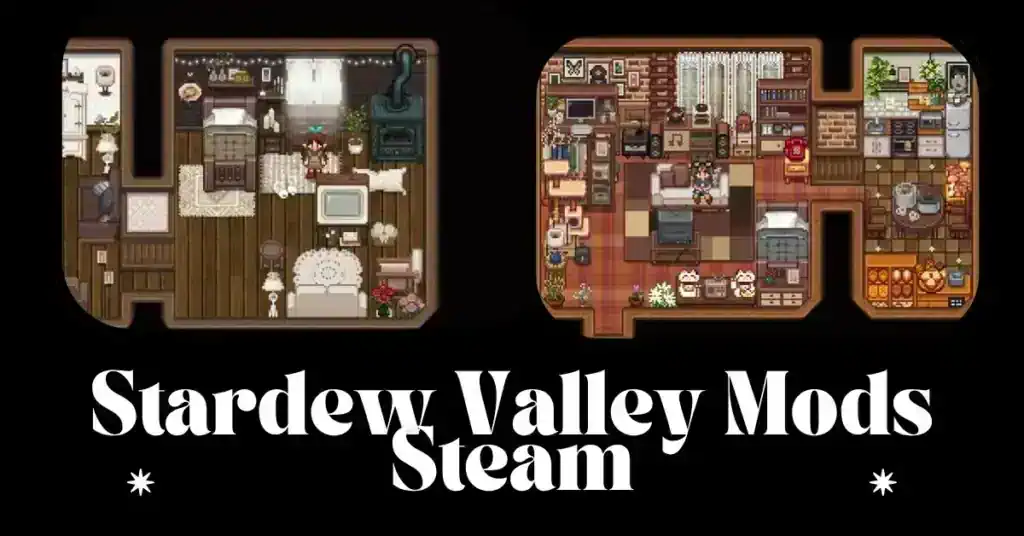
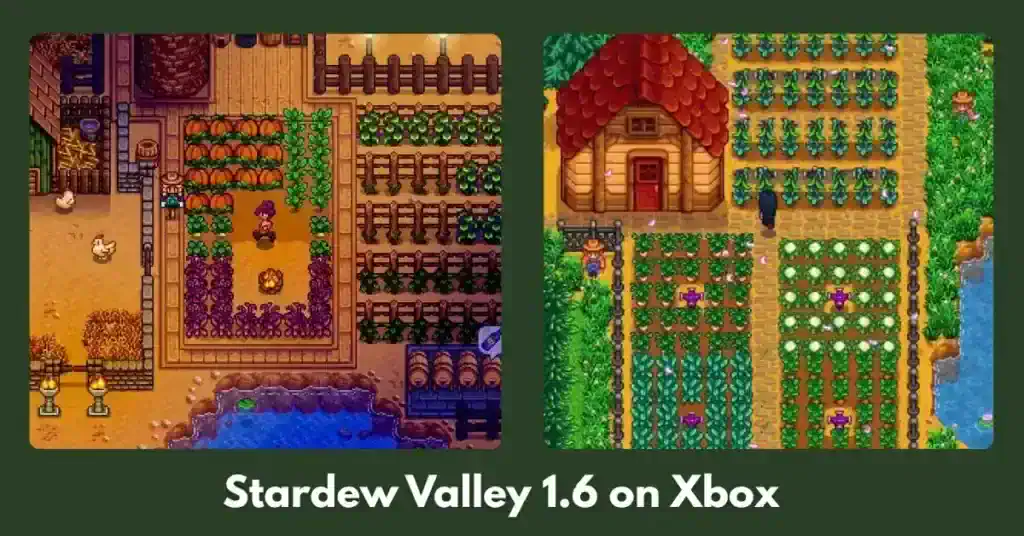
Stardew Valley
Popular additions include:
- Expanded content
- New NPCs
- Seasonal outfits
- Farm redesigns
- Automation tools
- Visual overhauls
- Dialogue expansions
- Custom events
One expansion often requires several supporting frameworks and compatibility patches.
Skyrim
Few games match Skyrim’s modding ecosystem.
Players frequently combine the following:
- Texture packs
- Lighting systems
- Combat overhauls
- Weather mods
- Animation replacements
- Quest expansions
- Survival mechanics
Large load orders can easily exceed hundreds or even thousands of mods.
Cyberpunk 2077
Since major updates and the Phantom Liberty expansion, the modding scene has expanded significantly with:
- Gameplay balancing
- Vehicle customization
- Clothing collections
- Improved UI
- Performance tweaks
- Immersion improvements
Because the game receives updates, players should always verify mod compatibility before installing.
Baldur’s Gate 3
Community favorites include the following:
- New hairstyles
- Character presets
- Inventory improvements
- Camera enhancements
- Additional customization
- Cosmetic collections
As with any frequently updated game, it’s important to check whether mods support the current version before adding them.
The Psychology Behind “Just One More Mod”
Every mod promises a slightly better experience.
You think:
“If I install this one, the game will finally be perfect.”
Then another mod appears.
Perfection always feels one download away.
Psychologists often describe this pattern as a form of optimization behavior—continuously refining a system because each improvement seems small, even though the cumulative effort becomes significant.
The Biggest Mistakes Players Make
Installing Everything at Once
Adding dozens of mods simultaneously makes troubleshooting much harder.
Install in smaller batches and test regularly.
Ignoring Requirements
Many mods depend on:
- Frameworks
- Libraries
- APIs
- Script extenders
- Compatibility files
Skipping these requirements can lead to crashes or missing features.
Forgetting Load Order
Even compatible mods may conflict if loaded in the wrong order. Always follow the author’s instructions and use the recommended tools for your game.
Mixing Old and New Versions
Game updates often break older mods. Before downloading, verify that the mod supports your current game version.
Skipping Backups
Copy your save files before making major changes. A backup can save hours of progress if something goes wrong.
How to Build a Stable Mod Collection
Experienced players rarely install everything in one session.
Instead, they follow a structured process:
- Decide on your goal (graphics, gameplay, story, or quality of life).
- Install core frameworks first.
- Add mods gradually.
- Launch the game after every few installs.
- Read compatibility notes carefully.
- Keep backups of saves and configuration files.
- Remove outdated or unused mods regularly.
A stable collection is usually more enjoyable than a massive one that crashes frequently.
Performance Tips for Large Mod Lists
To keep your game running smoothly:
- Use optimized texture packs when available.
- Avoid installing duplicate mods that do the same thing.
- Remove outdated files.
- Keep graphics drivers updated.
- Allocate sufficient storage space.
- Monitor memory usage during gameplay.
- Follow each game’s recommended modding guide.
Why the Modding Community Keeps Growing
Modding extends the life of games in remarkable ways.
Players continue creating:
- New maps
- Fresh quests
- Improved graphics
- Accessibility features
- Quality-of-life enhancements
- Community bug fixes
- Seasonal content
Years after release, many games remain active largely because of their passionate modding communities.
Is the 3 AM Modding Fever Dream Worth It?
For many players, absolutely. The process becomes part of the hobby itself. Some enjoy building the perfect mod list as much as playing the finished game.
The key is finding balance.
Customize your experience, but don’t let endless tweaking prevent you from enjoying the adventure you’ve spent hours creating. After all, the best modded game isn’t the one with the most downloads—it’s the one you’ll actually play.
Frequently Asked Questions
Why do gamers stay up so late installing mods?
Large mod collections often require downloading files, reading installation instructions, resolving conflicts, and testing compatibility, which can easily turn a short session into several hours.
Can installing too many mods damage my game?
Mods generally won’t damage the game itself, but incompatible or outdated files can cause crashes, performance issues, or corrupted save files. Backing up saves and installing mods carefully helps reduce these risks.
What’s the safest way to install mods?
Install trusted mods from reputable sources, read the documentation, verify compatibility with your game version, and test your game after adding small groups of mods instead of everything at once.
Do game updates break mods?
They can. Major patches sometimes require mod authors to update their work, so it’s a good idea to check whether a mod supports your current game version before installing it.
Final Thoughts
The “3 AM Modding Fever Dream” has become a shared joke across gaming communities because it reflects a real experience: the excitement of discovering new ways to transform a favorite game. Whether you’re expanding Stardew Valley, rebuilding Skyrim, or refining Cyberpunk 2077, thoughtful planning and careful testing will help you spend less time troubleshooting—and more time enjoying the worlds you’ve created.