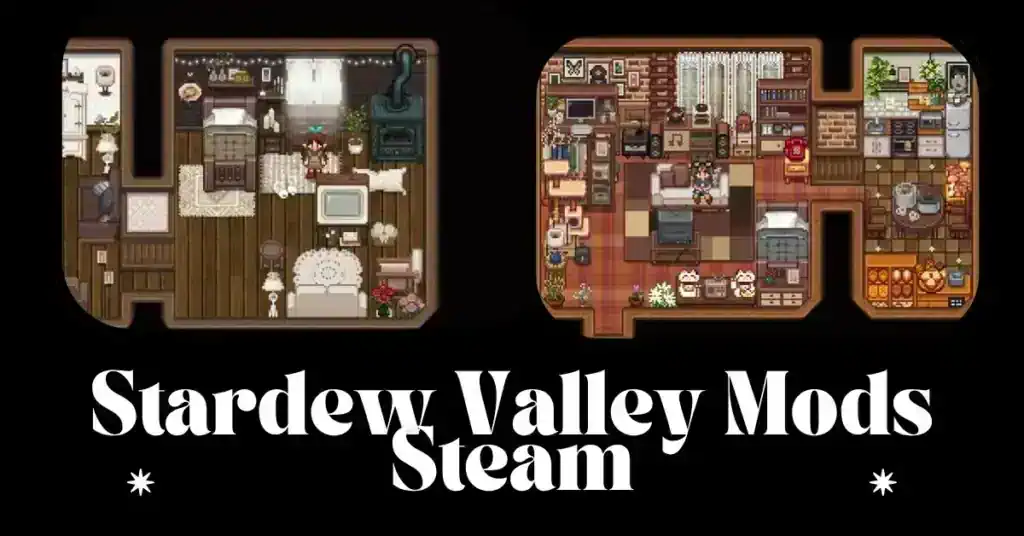
If you’ve spent hours tending crops, fishing by the river, or building relationships in Stardew Valley, you already know how charming its pixel art style is. However, many players are now upgrading their experience using a Stardew Valley realistic graphics mod to bring a fresh, immersive look to their farms.
Over the years, the modding community has completely transformed how the game can look. While the original design is nostalgic, modern gamers often crave more depth—better lighting, richer textures, and smoother environmental transitions. That’s where realistic mods step in.
These mods don’t just tweak visuals—they redefine the atmosphere. Imagine sunsets with warm gradients, water reflecting the sky, and forests that feel dense and alive. Sounds amazing, right?
In this article, we’ll break down everything you need to know about installing, choosing, and optimizing a Stardew Valley realistic graphics mod. Whether you’re new to modding or already experimenting, you’ll find valuable insights here.
What Is a Stardew Valley Realistic Graphics Mod?
A Stardew Valley realistic graphics mod is a modification that enhances the visual fidelity of the game while keeping its core mechanics intact. These mods replace textures, adjust color palettes, and introduce lighting effects that mimic real-world environments.
Key Features of Realistic Mods
Here’s what typically changes when you install one:
- Dynamic lighting systems for day-night transitions
- Enhanced environmental textures (trees, grass, soil)
- Realistic water reflections and animations
- Improved weather visuals like rain and fog
- Character portrait upgrades for more detail
Unlike simple recolor mods, these go deeper by improving realism without losing the cozy vibe.
Why Players Are Switching to Realistic Graphics
Many players initially hesitate to modify Stardew Valley’s iconic look. However, once they try a Stardew Valley realistic graphics mod, it’s hard to go back.
Benefits for Gameplay Experience
1. Increased Immersion
The farm feels more alive, especially during seasonal changes.
2. Modern Visual Appeal
Let’s be honest—updated visuals make the game feel newer.
3. Better Streaming Content
If you’re creating content, realistic visuals attract more viewers.
4. Personalized Aesthetic
You can tailor the game to match your style.
Moreover, these mods often pair well with expansion mods, making the entire experience richer and more engaging.
Top 7 Stardew Valley Realistic Graphics Mods
Let’s explore the best options available right now.
1. Stardew Valley Expanded Visual Overhaul
This isn’t just a graphics mod—it’s a complete transformation. It pairs beautifully with visual enhancements, adding depth and realism to new areas.
2. Earthy Recolour
One of the most popular choices, Earthy Recolour tones down bright colors and replaces them with natural hues.
Why it stands out:
- Soft lighting
- Natural greens and browns
- Easy on the eyes
3. Vibrant Pastoral Recolor
This mod balances realism with vibrancy, making environments feel both lively and grounded.
4. Seasonal Outfits & Lighting Mods
Adds realism by changing character clothing based on weather and seasons.
5. Dynamic Reflections
Water becomes a visual highlight with reflections that react to time and weather.
6. HD Portrait Mods
Characters get a makeover with high-definition portraits that match the enhanced world.
7. Realistic Water & Weather
Rain feels heavier, fog looks thicker, and rivers become visually stunning.
How to Install Stardew Valley Realistic Graphics Mod
Installing mods may sound complicated, but it’s actually straightforward.
Step-by-Step Installation Guide
- Download SMAPI (Stardew Modding API)
👉 https://smapi.io/ - Install SMAPI
- Run installer
- Follow prompts
- Download Your Mod
- Extract files
- Place in Mods Folder
- Located in Stardew Valley directory
- Launch Game via SMAPI
That’s it—you’re ready to enjoy your upgraded visuals.
You must look for some recent posts of ours—
- Best FS22 Mods PC 2025: All-New Farming Simulator 22 Modpack Guide [Latest Version].
- Gorilla Tag Mods Explained: Best Mods, What’s Allowed, and How to Install Safely.
Best Mod Combinations for Ultra Realism
To truly elevate your game, combine multiple mods strategically.
Recommended Combo
- Earthy Recolour
- Dynamic Reflections
- Seasonal Lighting
- HD Portraits
Performance vs Visual Quality Balance
Keep in mind:
| Setting | Impact |
|---|---|
| High textures | Better visuals, lower FPS |
| Lighting mods | Moderate GPU usage |
| Portrait mods | Minimal impact |
If your PC isn’t powerful, start small and scale up.
Common Issues and Fixes
Even the best mods can run into problems.
Compatibility Problems
Issue: Game crashes on launch
Fix: Update SMAPI and mods
Issue: Visual glitches
Fix: Check mod load order
Issue: Missing textures
Fix: Reinstall mod files
Always read mod descriptions carefully—compatibility matters a lot.
Are Realistic Mods Worth It?
Absolutely—if you value immersion.
A Stardew Valley realistic graphics mod doesn’t change gameplay mechanics, but it significantly enhances how the game feels. For long-time players, it’s like rediscovering Stardew Valley all over again.
However, if you love the classic pixel style, you might prefer subtle enhancements instead of full realism.
Future of Stardew Valley Visual Mods
The modding community keeps evolving. With tools improving and artists pushing boundaries, we can expect:
- Real-time lighting systems
- 3D-like depth effects
- Advanced weather simulation
As new updates roll out, the line between pixel art and realism will continue to blur.
FAQs
1. Is Stardew Valley’s realistic graphics mod safe to use?
Yes, as long as you download from trusted sources like Nexus Mods.
2. Do realistic mods affect gameplay?
No, they only change visuals.
3. Can I use multiple graphics mods together?
Yes, but ensure compatibility to avoid crashes.
4. Will mods slow down my game?
Some may impact performance, especially lighting mods.
5. Do I need a powerful PC?
Not necessarily—many mods are optimized for low-end systems.
6. Can I uninstall mods anytime?
Yes, simply remove them from the Mods folder.
Conclusion
The Stardew Valley realistic graphics mod scene is thriving, offering players countless ways to reinvent their farming adventure. From subtle recolors to full visual overhauls, these mods breathe new life into a beloved game.
If you’ve been playing Stardew Valley for years, trying a realistic mod might be the refresh you didn’t know you needed. It’s immersive, visually stunning, and surprisingly easy to set up.
So go ahead—upgrade your farm, explore new aesthetics, and fall in love with Stardew Valley all over again.